

Inbox placement determines whether a campaign performs at all. You can have a strong list, a clear offer, and solid copy, but if your emails do not reach the inbox, none of it matters.
Low open rates, missing replies, and stalled campaigns are often signs of deliverability issues, not messaging problems.
Email warmup helps prevent this by establishing sending trust before volume increases. It protects sender reputation, reduces spam placement, and gives campaigns a better chance to perform from day one.
In this guide, we break down the six best email warmup tools, focusing on how they work, what features they offer, and which types of teams they are best suited for, so you can choose the right option for your outbound setup.
1. Instantly
Instantly email warmup is built to give campaigns the strongest possible start by actively building sender reputation before any real outreach begins.
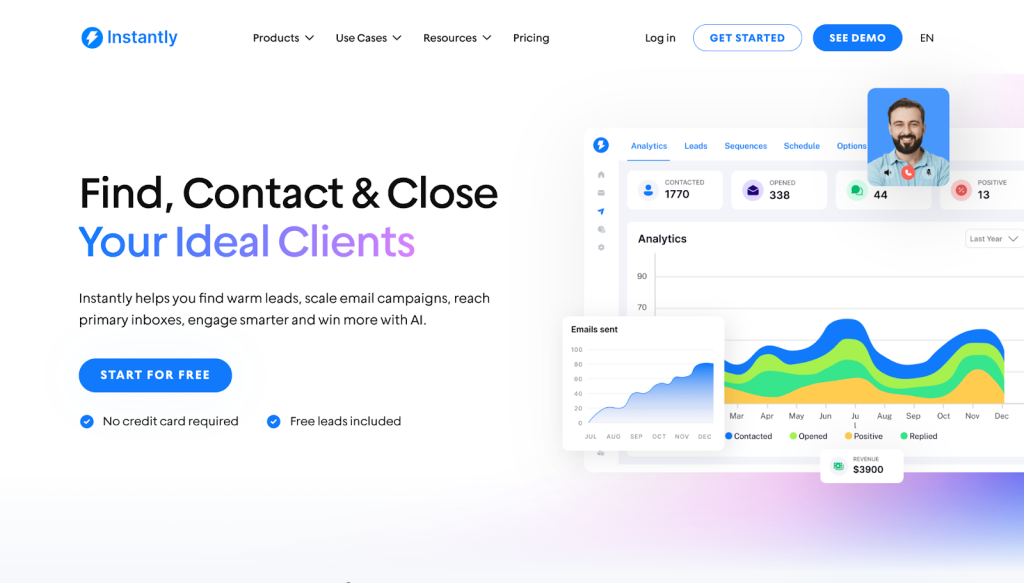
The warmup process automatically sends, opens, and replies to emails on your behalf, closely mimicking natural human behavior across controlled volumes.
What really sets Instantly apart is scale. Warmup runs across a network of 1M+ real inboxes, creating a safe, high-signal environment for new domains and accounts.
Combined with its 99% deliverability rate on warmup emails and a clear deliverability insights dashboard, Instantly gives teams both confidence and visibility before they ramp up outbound volume.
Feature Highlights
- Slow ramp warmup: Gradually increase sending volume to safely prepare accounts for upcoming campaigns.
- Advanced warmup controls: Simulate real inbox behavior by opening, reading, and replying to emails with natural daily variation.
- Inbox placement testing: See exactly where your emails land before scaling outreach.
- Deliverability network: Warm up across a network of 1M+ real inboxes to build sender trust faster.
- Built-in lead database: Access 450M+ verified contacts to support targeted outbound at scale.
Pros
- Prevents sudden sending spikes that trigger spam filters.
- Establishes consistent engagement signals before outreach begins.
- Keeps inbox activity stable as volume increases.
- Requires little to no manual monitoring once running.
Cons
- Supersearch and CRM functions require separate subscription plans.
2. Saleshandy
Saleshandy makes email warmup simple and safe by gradually ramping up your sending volume over time, so your inbox never triggers spam alarms from sudden spikes in activity.
Its built-in sender rotation spreads emails across multiple inboxes, reducing strain on any single sender and protecting your reputation during large-scale campaigns.
Feature Highlights
- Sender rotation: Share sending load during large-scale campaigns while protecting your sender reputation.
- TrulyInbox warm-up: Gradually ramp up your sending volume while avoiding spam traps.
- Email personalization: Tailor your outreach to connect with each lead on your list.
Pros
- Its automated process is ideal for teams with limited manpower.
- Supports warmup for multiple email accounts with customizable daily send limits.
Cons
- Some reviews report mixed deliverability results and warmup effectiveness issues.
- Advanced warmup features may be limited compared with dedicated tools.
3. Warmy.io
Warmy uses a seed list of real leads to kickstart your campaigns and build sender reputation from the onset.
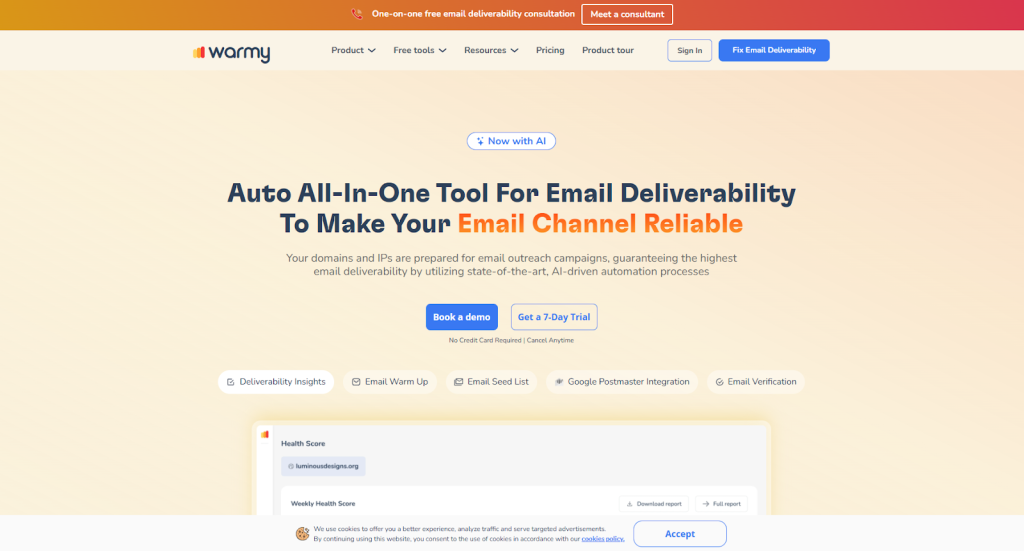
These contacts actively open, reply to, and interact with your emails, sending positive signals to inbox providers. It helps email services recognize your account as trustworthy by generating consistent, authentic engagement early on.
Feature Highlights
- Deliverability insights: Test your email’s deliverability across popular providers.
- Adeline AI: Have your sending pattern analyzed and receive a unique warm-up plan.
- Email seed list: Get active email accounts you can use to jumpstart your next campaign.
Pros
- Automates email warmup with real engagement signals.
- Offers real-time deliverability monitoring and customizable warmup settings
Cons
- Pricing can be high for smaller teams or budget-conscious users.
- Support can be slow at times, and customization options are limited.
4. MailReach
MailReach provides all the information you need when planning a campaign by clearly showcasing your email reputation score.
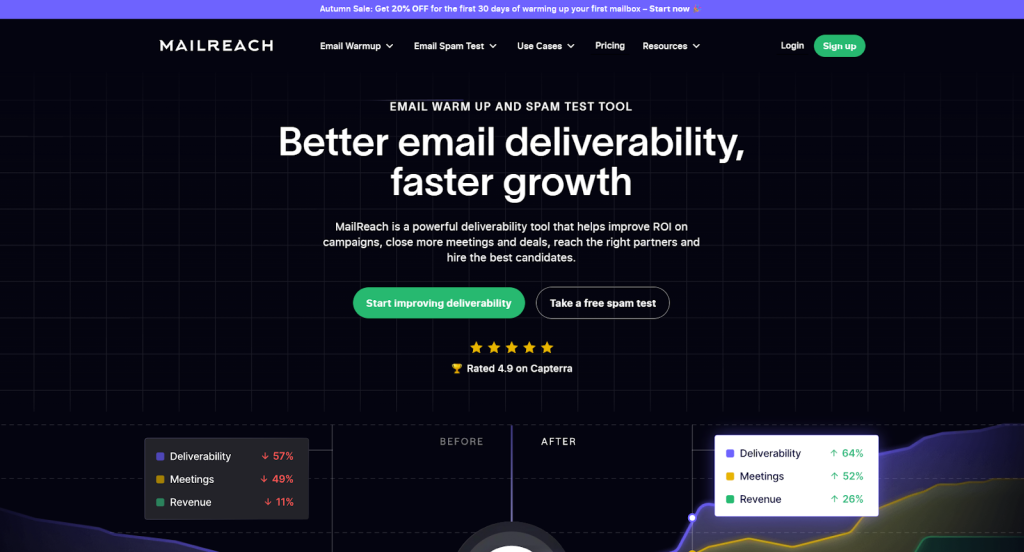
You get a clear estimate of your sender health and warmup progress, helping you time your outreach with confidence.
Feature Highlights
- Provider warmup tools: Get your account ready to interact with popular providers like Google, Outlook, SendGrid, and more.
- Spam test: Find out whether your messages are reaching your leads’ inboxes.
- SMTP warmup: Prepare your custom server for your next cold email campaign.
Pros
- Monthly pricing is reasonable and scales with your needs.
- Supports a variety of relevant use cases.
Cons
- Lacks advanced, detailed analytics.
- The onboarding is often intimidating for new users.
5. Folderly
Folderly improves your deliverability by actively monitoring your inbox performance to protect it long-term.
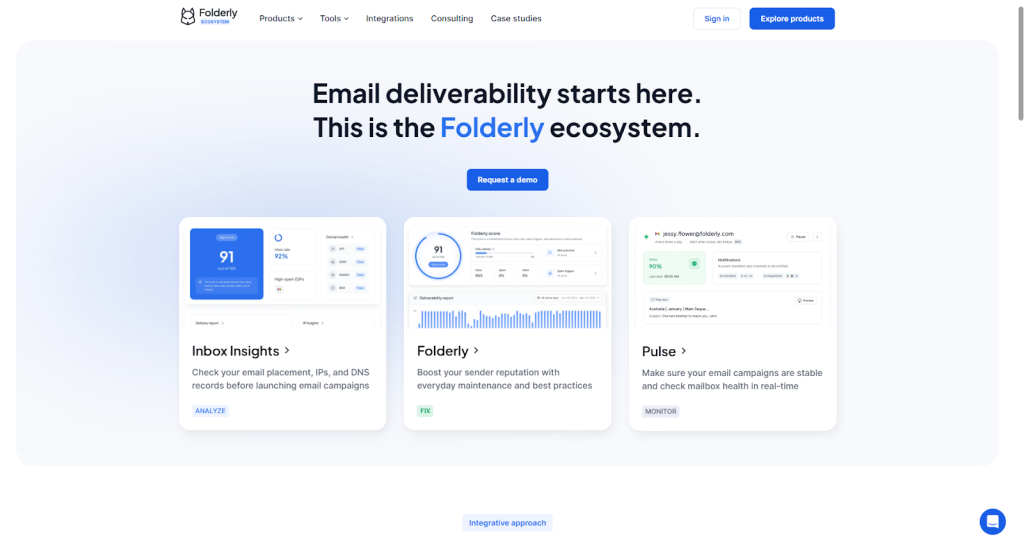
It continuously tracks spam placement, authentication issues, and sender health, resolving your problems before they can impact your campaigns.
Feature Highlights
- Spam triggers: Detect platform-specific triggers that might be keeping your messages in spam folders.
- Best practices: Get tips and suggestions designed to boost your deliverability.
- DNS record check: Find if any of the emails on your list are on DNS blacklists.
Pros
- Benefit from a dedicated client success manager.
- Provides actionable tips that even new users can understand.
Cons
- Conflicting test results between summary listing and detailed test review.
- Requires constant setting tweaks to maintain consistent deliverability.
6. Warmbox
Warmbox offers four distinct warmup recipes designed to match different sending goals.
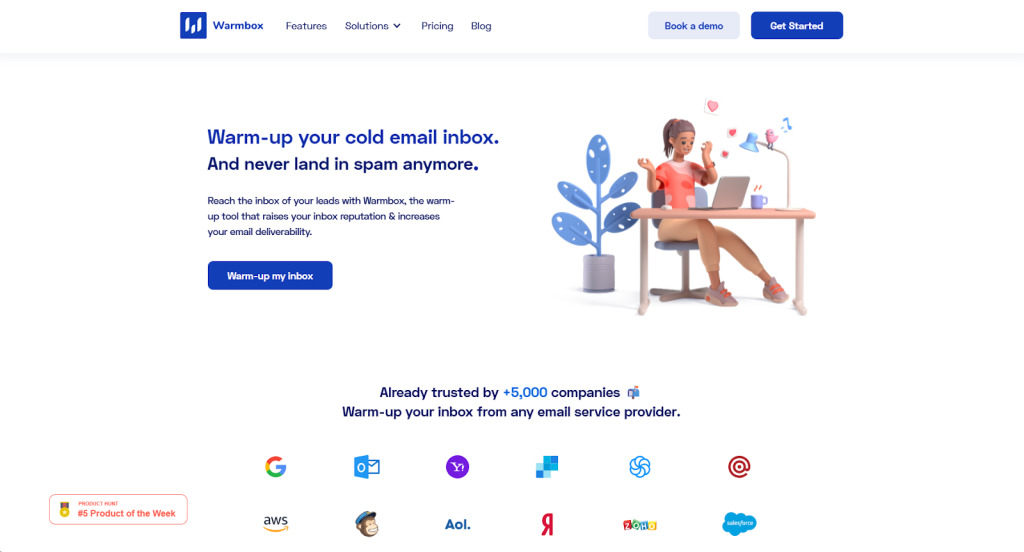
Whether you want steady momentum with Growth, consistent volume with Flat, more natural behavior through Randomize, or a custom use case, Warmbox lets you tailor your warmup strategy to your exact needs.
Feature Highlights
- Email templates: Accelerate your outreach with templates proven to deliver results.
- Advanced settings: Have your warmup process consider time zone, work hours, and more with advanced settings.
- Collaboration: Create teams and add members who can jointly manage your project.
Pros
- Automates inbox warmup by sending, opening, and replying to emails.
- Offers detailed deliverability reporting and warmup analytics to monitor sender health.
Cons
- Pricing can be high when warming multiple inboxes compared with some alternatives.
- Warmup speed and customization options are more limited than some competitors.
Final Thoughts
Email warmup is not optional if you want consistent inbox placement at scale. The tools covered here all help establish safer sending patterns, but they differ in how well they handle volume, control, and visibility as campaigns grow.
Choosing the right option comes down to how much outbound you run and how much risk you are willing to manage manually.
Instantly stands out because warmup is treated as a core part of the outbound process, not a bolt-on feature.
Its scale, automation, and deliverability insights make it easier to prepare inboxes properly before campaigns go live, especially for teams managing multiple domains or high sending volumes.
If your goal is to run cold outreach without constantly worrying about deliverability setbacks, Instantly offers the most complete and practical warmup setup for long-term outbound success.